Role
UI/UX Lead
Skill
Prototyping
Interaction Design
Timeline
October 2 - Current
Tools
Figma
Arduino
The Challenge
Designing for Mars Missions
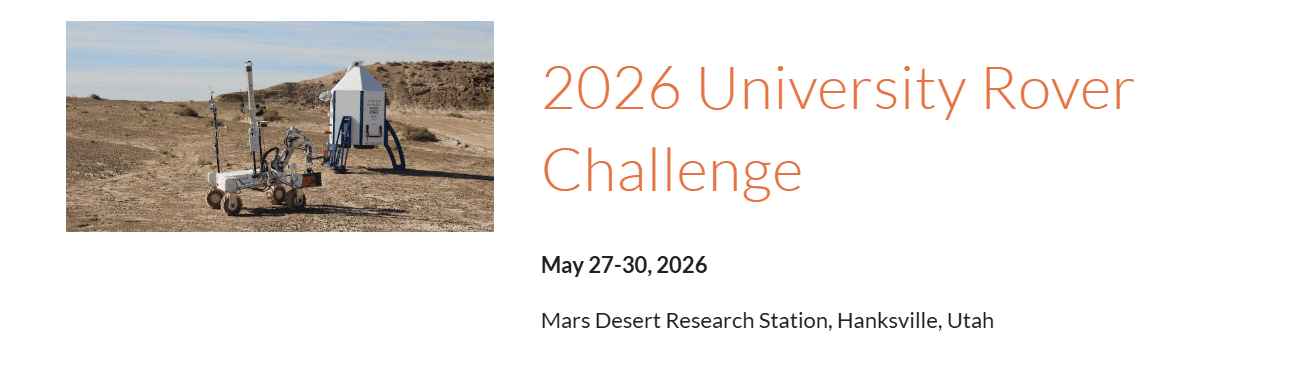
The University Rover Challenge is the world’s premier robotics competition, held annually in the Utah desert. Teams operate next-generation Mars rovers under intense pressure, where every second counts. As UI/UX lead, I focused on creating a seamless interface because the UI wasn’t just a dashboard, it was a competitive advantage.
Unexpected Terrain
Clean UI, Messy Reality
I had to design something that worked in a competitive setting, so it was really important that key info was easy to find. I had to fit a lot onto the screen while still keeping it visually clean.
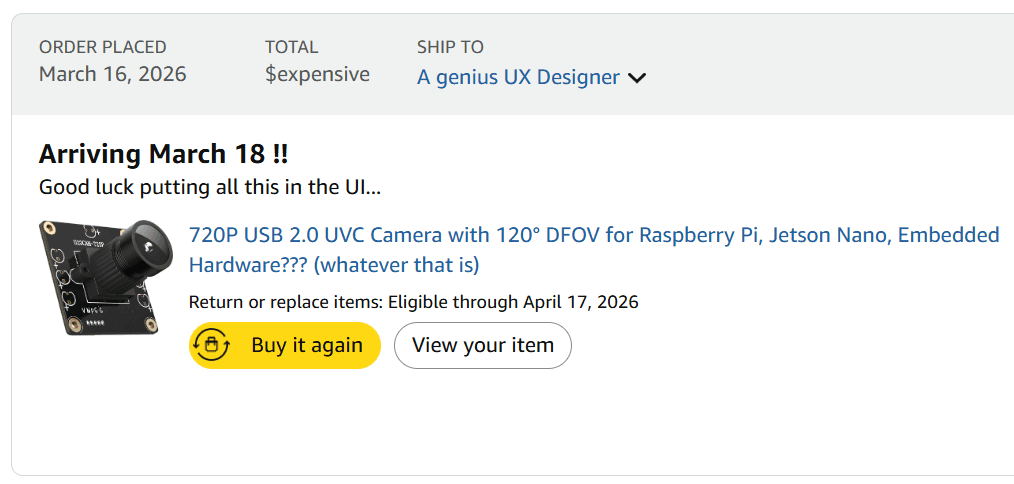
But the worst (but kind of fun) part was that we were constantly adding and removing features. As a result, the UI was always changing and I just had to keep redesigning it over and over and somehow make it still look clean every time.
Unexpected Terrain
Highly Technical Hiccups
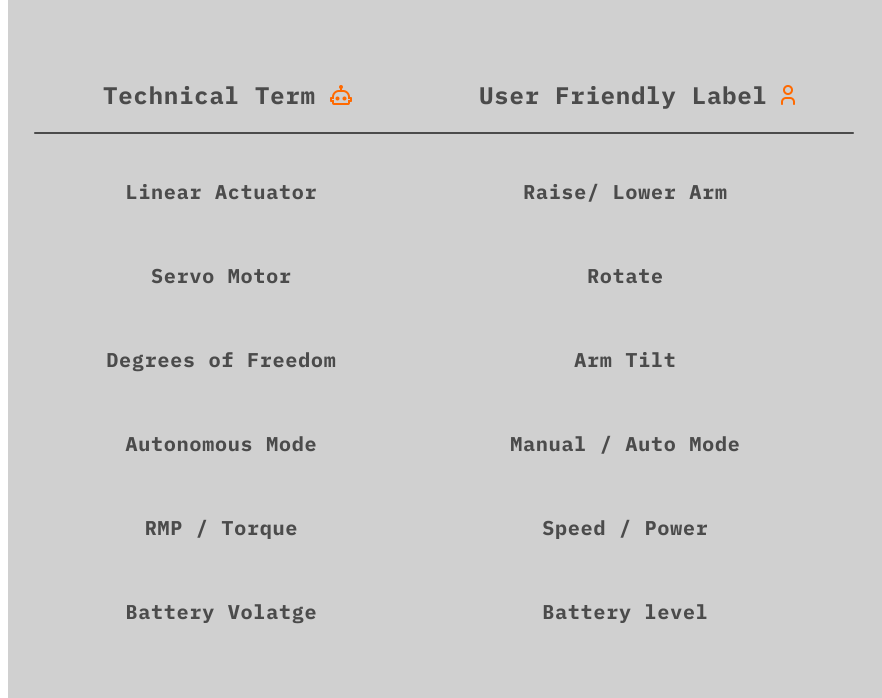
Operators needed to understand system status instantly to avoid delays and errors. Backend concepts like “linear actuator,” “manual override,” or raw voltage values didn’t instantly correlate to how users think about movement, power, and control. An interface that mirrors system architecture instead of user intent increases learning time and operational friction.
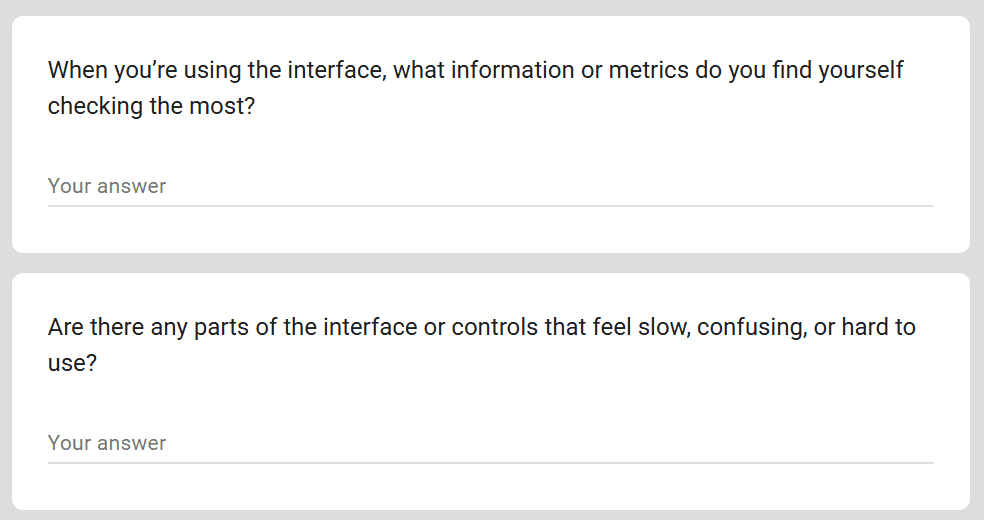
Rover controls survey to gather more insight
Research
Studying What Works
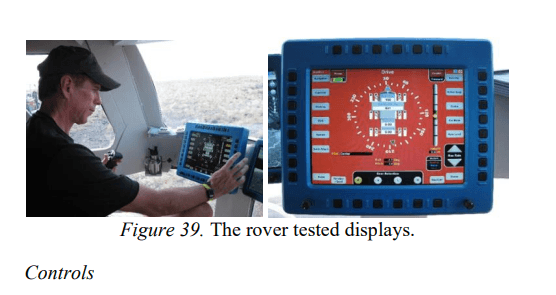
To design for a competitive environment, we researched proven control interface handbooks, including the NASA Crew Interface Encyclopedia. We examined how these system rules prioritize information, use color to signal urgency, and organize data to support fast, confident decisions.
A recent thesis (Arzberger 2022) prototyped UIs for astronaut teleoperation of field robots. Best practices included alerting operators via pop-up dialogs for critical events (e.g. automatic scans) and one-button actions with progress bars and countdown warnings to prevent errors. These patterns ensured that crew attention was drawn to important status changes and that irreversible actions required confirmation. (idk if last part is needed)
Design Principles
Defining core principles to consider both clarity and flexibility
Cognitive Overload
The rover exposed a large amount of real time, safety-critical data. Much of this data was expressed in engineering technology which wasn’t intuitive for all operators.
Critical Information Readily Available
Critical states like the kill switch, control mode, and battery health needed to remain visible without distracting from primary controls.
Keeping up with Alterations
As the rover evolved, new hardware and features were often added late in development, making it difficult to design around individual components.
New Specified Problem Statement
How might we present complex, real-time rover data in a way that is clear and accessible, while adapting to constant changes in features and system requirements?
The Solution
Titan Rover UI
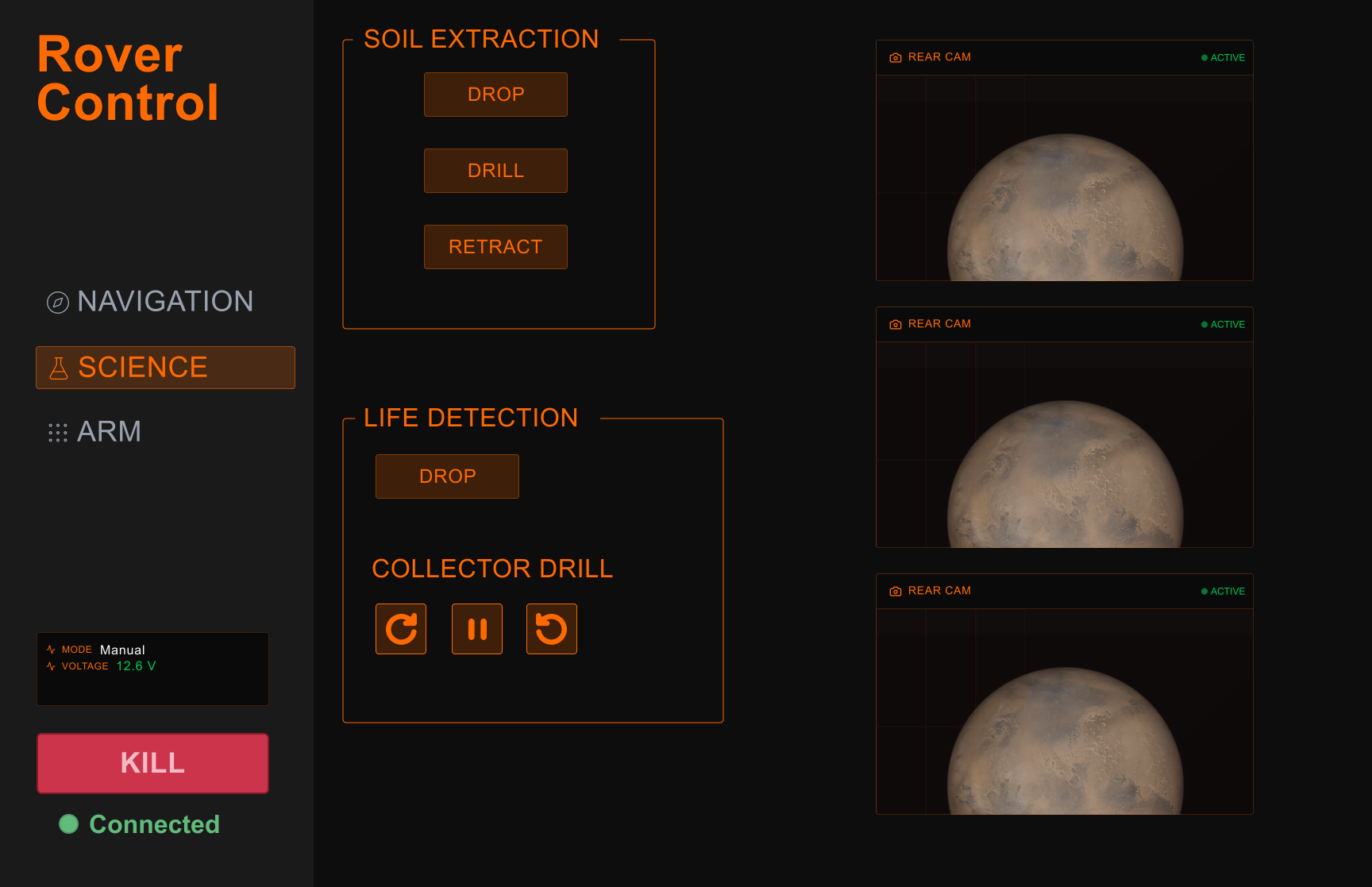
Important data readily available.
Design Decisions
Navigation Bar
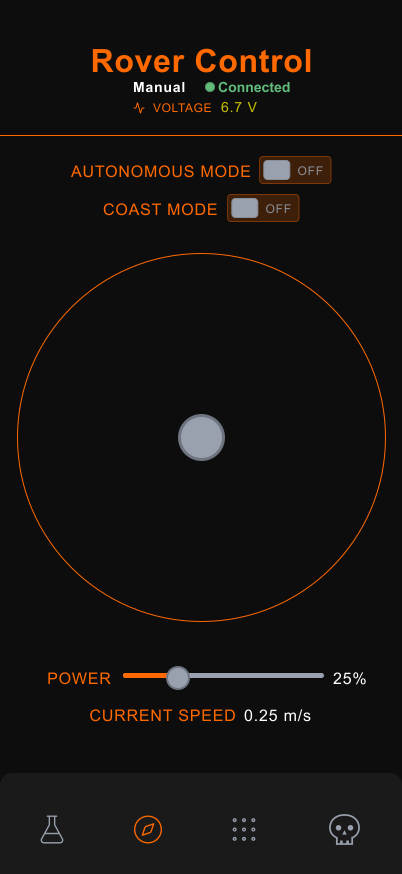
I prioritized which pages should sit closest to the user’s thumb to make them easiest to reach. Based on urgency and frequency of use, the final layout from left to right is: science, navigation, arm controls, and the kill switch.
Design Decisions
Technical-to-User Terminology Mapping
The final design contextualized engineering jargon so that users see familiar terms. I created this table to standardize all of the action verbs.
Design Decisions
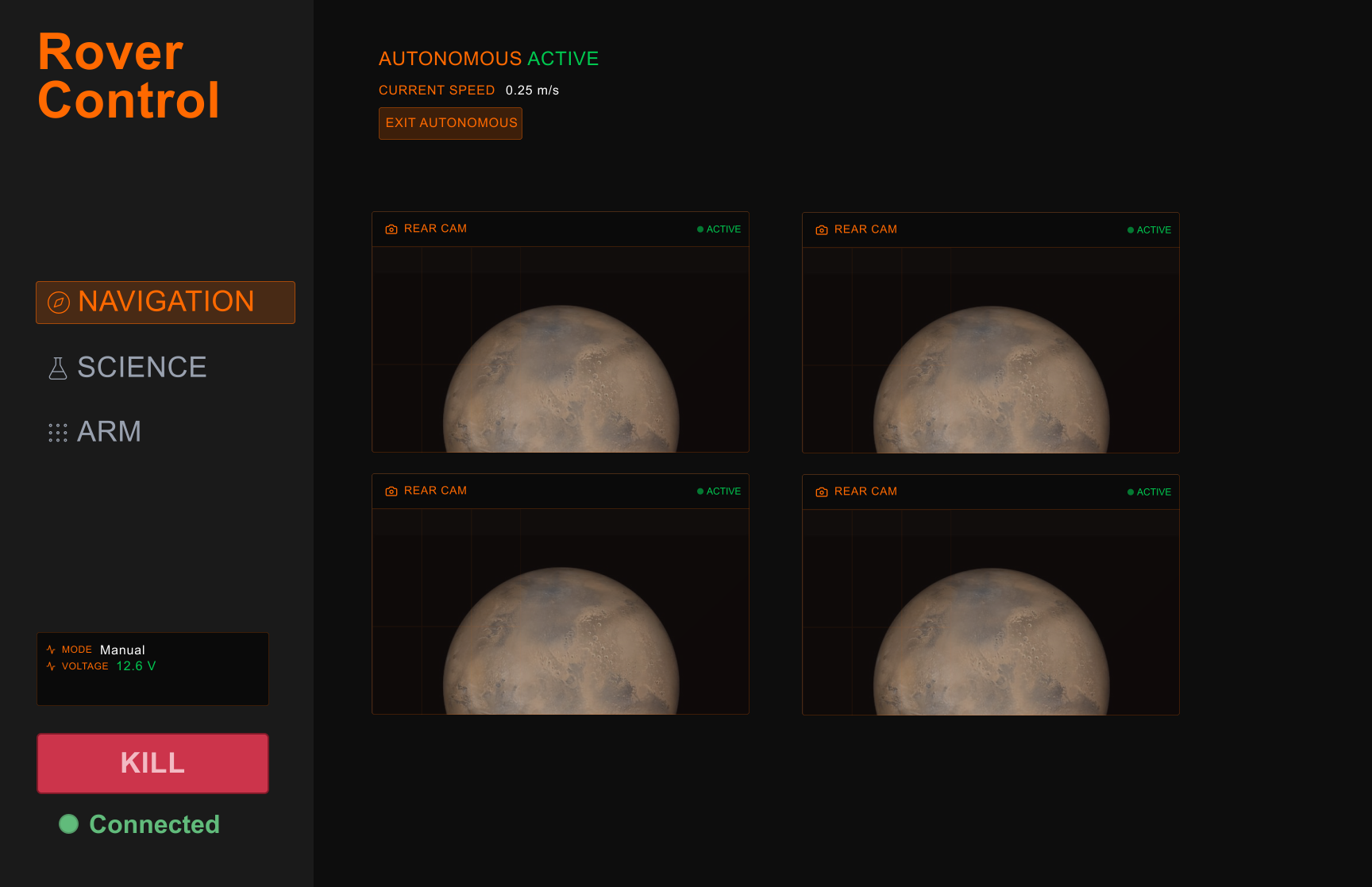
Magic Trick: 2 cameras becomes 6
In the beginning we had the budget for 2 cameras, then 3, then 4, then 6! Putting the camera feed into the UI like tetris blocks, at the end I decided one page of cameras would not be as effective as arm cameras on the arm and wheel cameras at the navigation page.
Explorations
Rover State Data
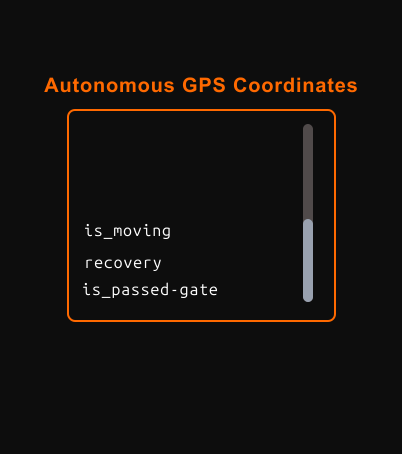
I made an autonomous navigation data to show what the system was “thinking,” giving engineers clearer visibility into the rover's decisions. However, the feature consumed too much computing power so it wasn’t included in the final build.
The Journey
Organizing new information
After the first prototype, the engineering team expanded the system with additional cameras, new types of arms that required their own controls, and updated navigation features. As a designer, I’m used to iterating based on user needs, but this was my first time adapting the UI to evolving hardware I hadn’t initially accounted for. It ended up being a great learning experience, especially in understanding how important close collaboration with engineers is.
Getting Ready for competition
Rover on standby
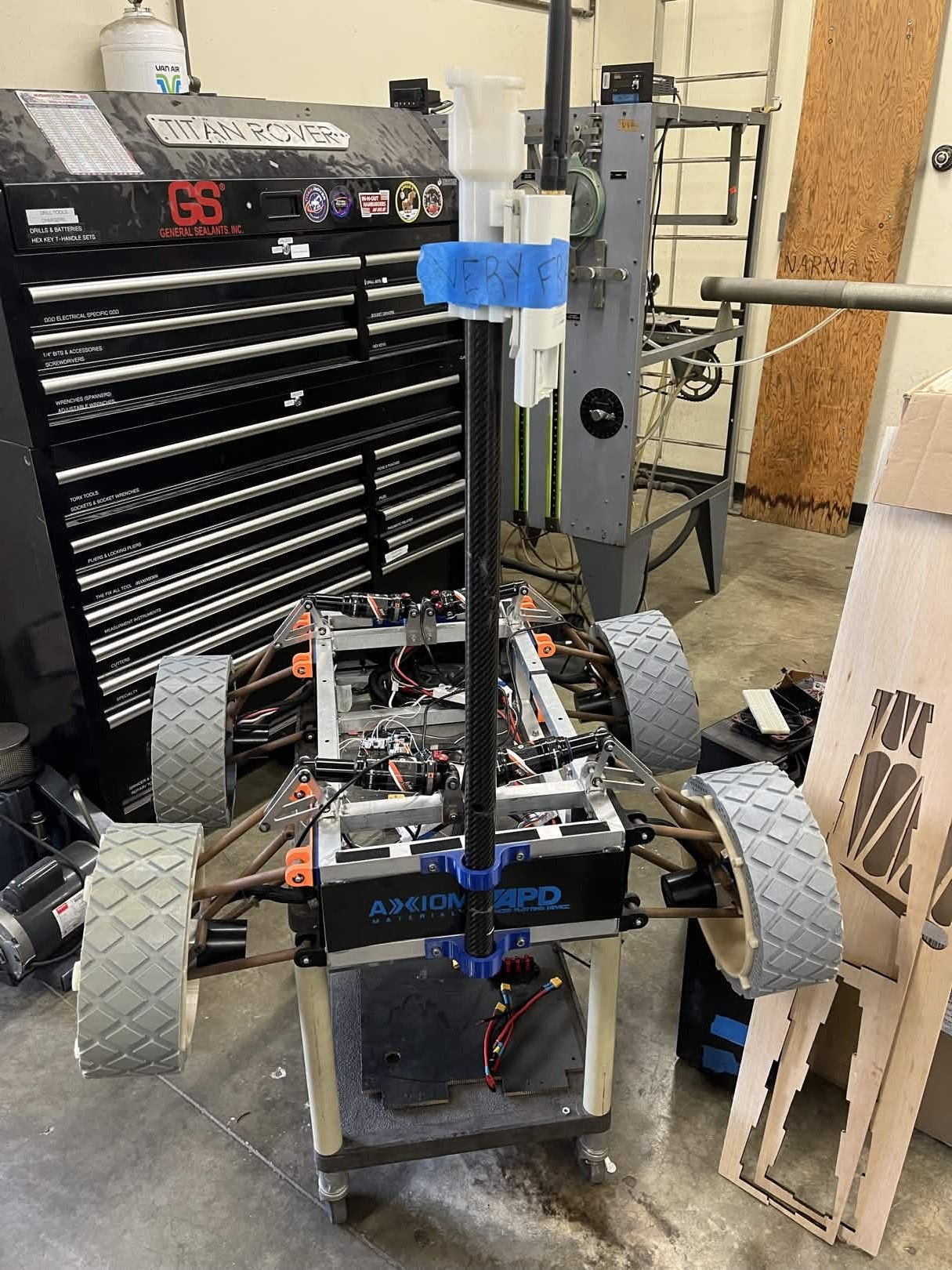
As of right now we submitted our project and are waiting to see if we are able to compete in the colligate rover competition. But of course, that doesn't stop us from adding new features and fun!
Thank You for Reading!
My first rover ui was really exciting to make. Feel free to contact me to ask about the details and ideas that didn't quite make it, including future haptic feedback ideas,